Google contact is where you have all your online contact stored in your email account. In this page, we have explained on how you can create a new contact in your Google Contact, how you can view your Google contact list. To have all the contact online is the best way to store and save. Why? Because you can view your Google contact from any part of the world with Internet access and if you lose your contact from your smart devices you can always retrieve from Google Contact.
How to view your Google contact list?
- First of all, one must have to sign in to your Google account. Open a new window by using keyboard shortcut key or go to File and click on new window. By using keyboard shortcut key combination for windows operating system is CTRL+N and for MAC users it’s COMMAND+N.
- Type in gmail.com to do the Google Sign In.
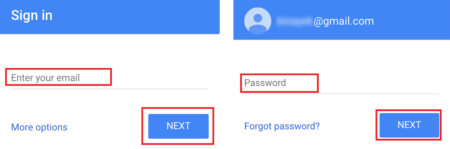
- Enter your Google Email address and click on ‘Next’ and enter your password and click on Sign in. Not being able to do Google Sign in – How to do Google Sign In? How to recover Google Email password?
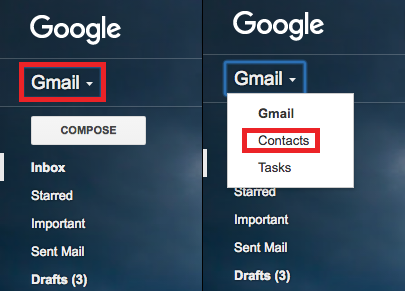
- After sign in is completed, go to top left hand side corner and click on the down wards small arrow beside the word ‘Gmail’ that you see under the Google logo.
- A drop down menu appears with Gmail, Contacts & Tasks. Click on ‘Contacts’
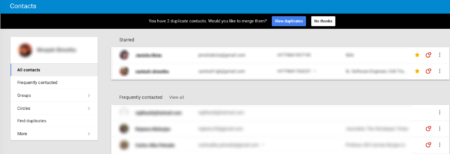
- Automatically, a new tab will open showing you all your Google Contacts.
How to add/create contact on Google contact?
- First of all, you’ll need to sign in to your Gmail account and follow the above steps mentioned on How to view your Google contact list?
- On the same page, on your bottom right hand corner you’ll see a red icon. Click on it – and enter the name and details of the person you want to add/create the contact of.
For more details on – how to add/create new contact in Google?